Play Roller Baller
CLICK INSIDE THE GAME FIRST · SPACE TO START · R TO RESTART · WORKS ON MOBILE TOO
Features
Race the Clock
Every run is timed to the tenth of a second. Your best time is saved on your device, so the only real rival is yesterday's you.
Checkpoint Flags
Falling never ends the run. Touch a flag and it turns green — every mistake after that sends you back there, not to the start.
22 Hidden Stars
Stars line the ideal racing line — and sometimes sit just off it. Grabbing all 22 without losing time is the real endgame.
Double Jump
One jump gets you up, the second saves your life. Mid-air control stays crisp thanks to carefully tuned air physics.
Moving Platforms
Some islands drift up and down on a gentle rhythm. They carry you with them — learn the beat and ride it, don't fight it.
Plays Anywhere
Keyboard on desktop, touch buttons on phones and tablets. One file, no install, no account, nothing to download.
How to Play
Start Rolling
Click the game once, then press Space (or tap on mobile). Move with ← → or A D. The ball builds speed — momentum is your friend.
Jump & Double Jump
Press Space, W or ↑ to jump. Press again in mid-air for a second, slightly weaker jump. Save the double jump for corrections, not routine hops.
Claim Checkpoints
Roll past a grey flag and it turns green — that spot is now your respawn. Fall into a gap or touch red thorns and you restart there, timer still running.
Collect Stars
Golden stars are worth one point each. There are 22 in total. They also quietly mark the safe racing line, so following them teaches you the course.
Reach the Rainbow Flag
The tall rainbow flag at the far right ends the run. Your time and star count appear — beat your best, then press Space to race again.
Pro Guide
Keep your momentum alive
Roller Baller's physics reward commitment. The ball keeps its speed in the air, so a jump taken at full speed covers far more ground than one taken from a standstill. Before any big gap, give yourself a short run-up — even half a platform of acceleration changes everything.
Use coyote time on the edges
You have a few invisible frames after rolling off an edge where a jump still counts. Top players jump at the very lip of a platform, not before it — you get maximum distance without falling. If you press jump a moment before landing, the game buffers it and fires the instant you touch down.
Read the moving platforms
Every drifting island moves on a sine wave — smooth, predictable, endless. Land when it is near the bottom of its cycle and let it lift you; jumping off while it rises adds free height to your jump. Jumping while it falls does the opposite, so wait a half-beat.
Thorns punish greed
Most thorn patches sit next to a tempting star. Ask yourself: is this star worth a checkpoint reset? On a star-hunting run, yes. On a speedrun, ignore every risky star — a clean run with 15 stars beats a messy one with 22.
Want deeper strategy? The posts at break down every mechanic one by one.
FAQ
Is Roller Baller free to play?
Does it work on mobile phones?
Why did my ball go back to the middle of the course?
How is my best time saved?
Is there a way to jump higher?
The game doesn't respond to my keyboard. What do I do?
Latest Posts
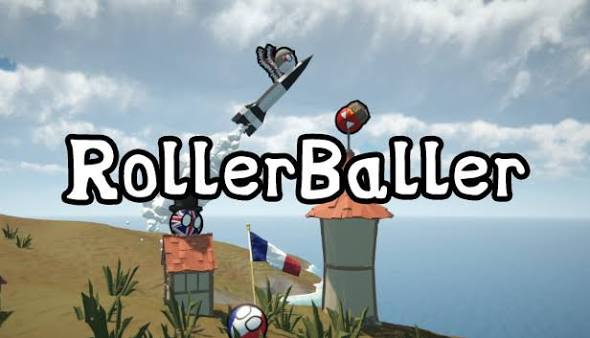
Roller Baller Beginner's Guide: Your First Clean Run

Mastering the Double Jump: Timing, Height and Rescue Saves
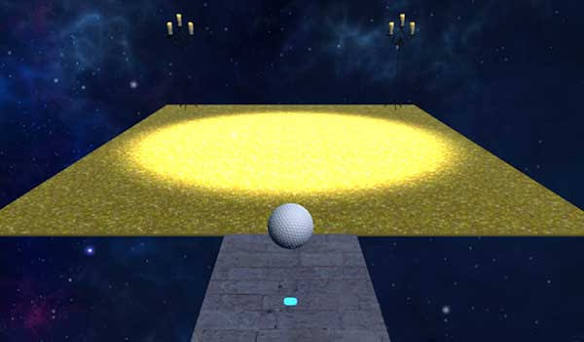
Checkpoint Strategy: Turning Mistakes Into Momentum
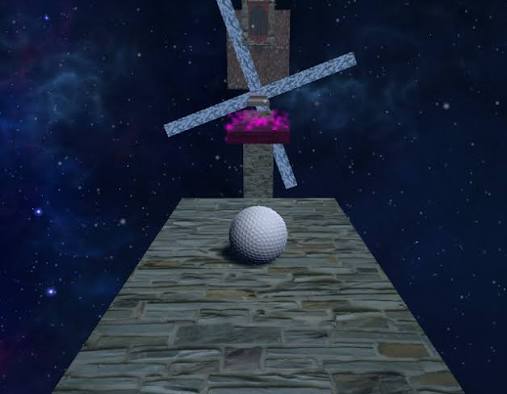
Speedrun Tips: How to Shave Seconds Off Your Best Time
Moving Platforms Explained: Ride the Wave, Don't Fight It
All 22 Stars: The Complete Collector's Route
Thorn Patches: Where They Hide and How to Clear Them
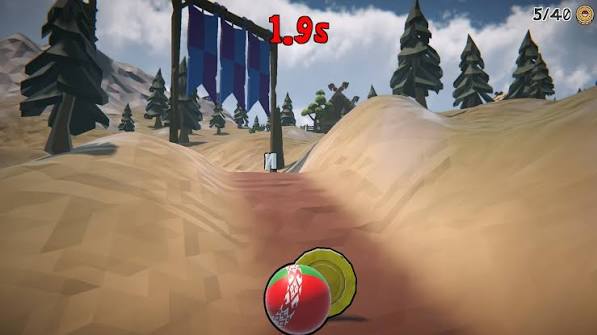
Playing on a Phone: Touch Controls Done Right
A Short History of Rolling-Ball Platformers
About Roller Baller
Roller Baller is a small, hand-crafted browser platformer built around one idea: a race you can never truly lose. The clock pressures you forward, the checkpoints catch you when you fall, and the meadow keeps things calm even when your thumbs are sweating.
Everything here — the game, this site, the guides — lives in plain HTML, CSS and JavaScript. No engines, no trackers, no accounts. Open it, roll, close it. That's the whole deal.
Found a bug or have an idea for a new course? Head over to the contact page — we read everything.